
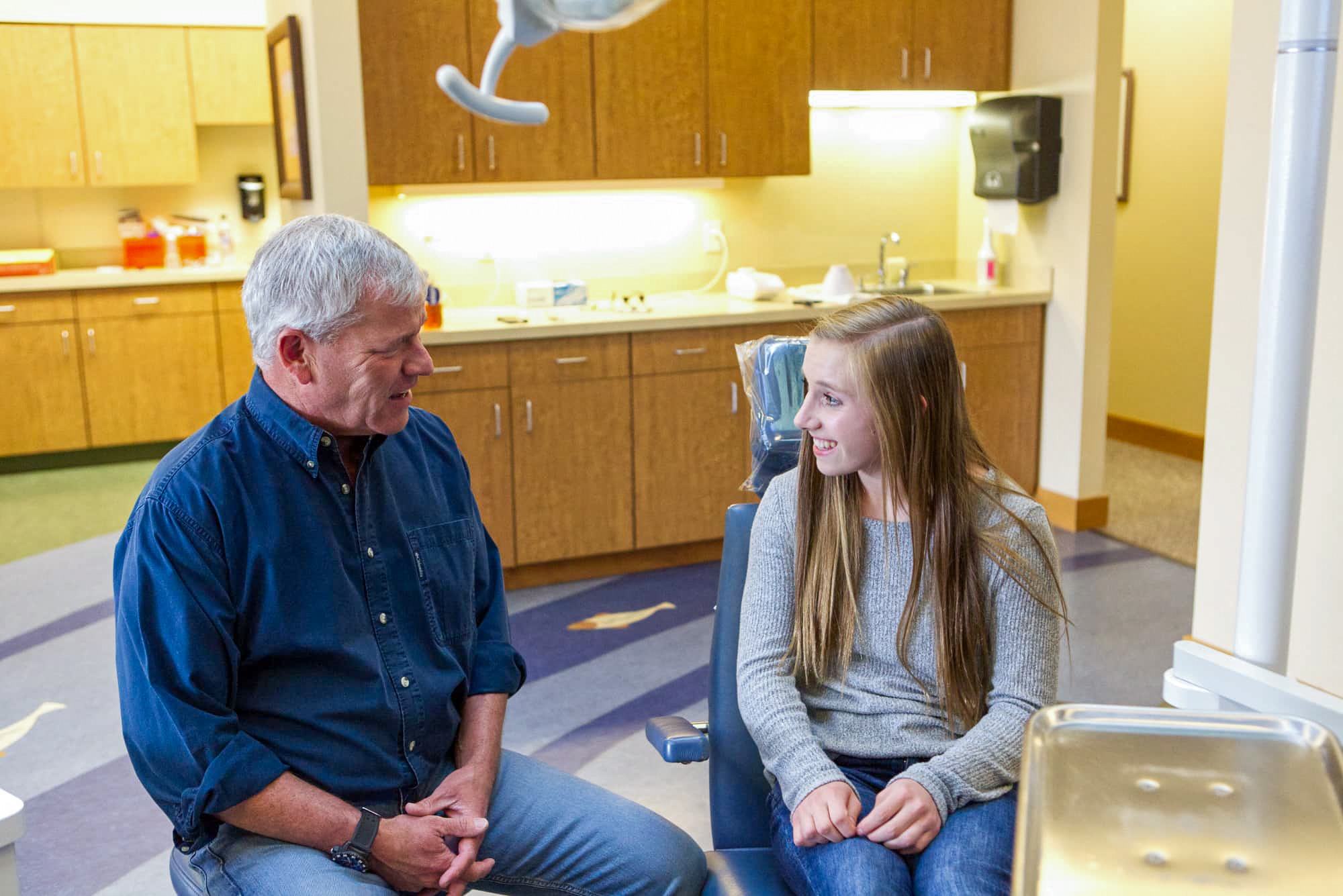
If you dread a mouthful of putty, here’s some good news. Dr. Thomas Kovacs, DDS, MSD, PC captures most orthodontic records with a digital scan (without any goop!), which means a small camera, a few minutes of chair time, and a 3D model of your teeth on the screen right beside you. Below, we walk through both methods so you know exactly what happens at your free exam.
What Are Digital Scans and Traditional Impressions?
A digital scan uses a handheld wand to photograph your teeth and build a 3D model in minutes. A traditional impression uses a tray of putty that sets against your teeth to form a physical mold. Both create a replica of your bite for planning treatment.
The difference people care about is what those few minutes actually feel like, and what happens to the record afterward. One method hands the lab a digital file; the other hands the lab a physical mold. Everything else, comfort, chair time, retake risk, and turnaround, follows from that single distinction.
What Is a Digital Scan?
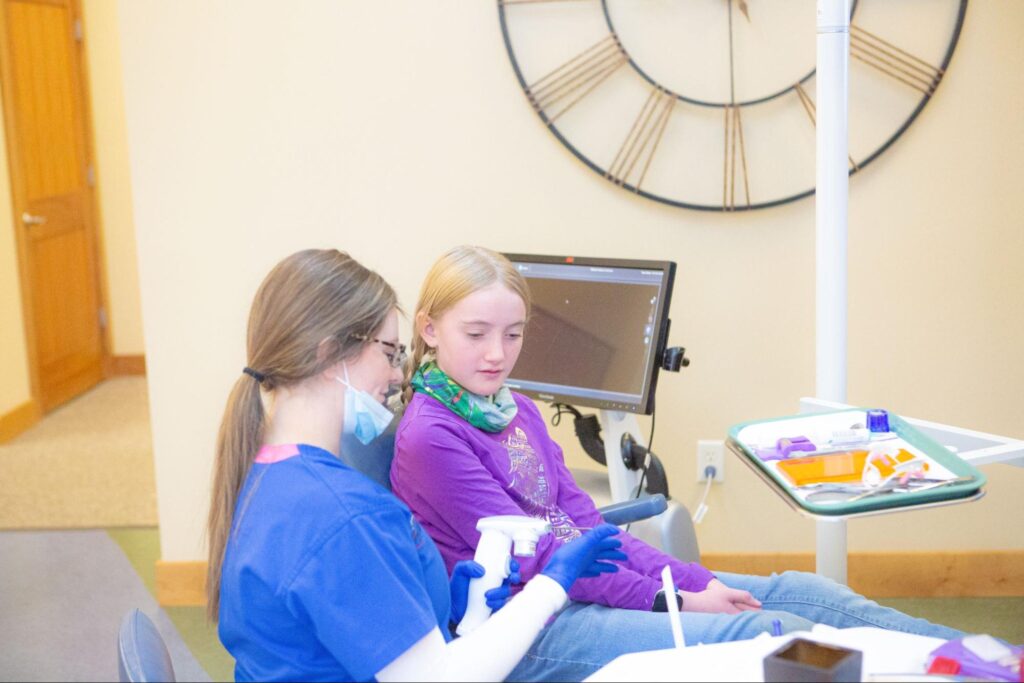
The wand looks a little like an electric toothbrush with a camera tip. It never cuts, pinches, or presses into your gums. As the wand glides along your teeth, it records overlapping optical images that build into a full-color 3D model of both arches and the way they fit together. You can watch that model appear on the monitor in real time, which is honestly one of the more fun parts of a records visit.
That single file becomes the foundation for a lot of things: bracket placement for metal braces or clear braces, the setup for clear aligners, retainer fabrication, and progress comparisons later in treatment.
What Is a Traditional Impression?
Physical impressions have been part of orthodontics for generations, and they still work. A team member selects a tray sized to your arch, mixes the impression material, seats the loaded tray over your teeth, and holds it steady while the material firms up. Once it sets, the tray comes out carrying a negative mold of your teeth. A lab then pours stone into that mold to create a physical model.
The method is reliable and inexpensive. It’s also the part of an old-school orthodontic visit that people remember least fondly, especially anyone with a sensitive gag reflex.
Which Method Do We Use at Kovacs Orthodontics?
Digital scanning handles the large majority of records at our offices, including aligner planning, retainers, and treatment monitoring. After a digital scan (without any goop!), you can start treatment the same day as your free exam, which saves your family a second trip.
Physical impressions haven’t disappeared entirely. Certain lab-fabricated appliances, unusual anatomy, or a specific lab’s requirements can occasionally call for a putty mold. When that happens, Dr. Kovacs will tell you why up front. Shooting straight has been part of how this practice operates from the beginning, and that includes explaining the reasoning behind every step of your records visit before we take a single image.
How Each Method Works, Step by Step
A digital scan takes about 5 to 10 minutes: your teeth are cleaned and dried, the wand glides over the upper arch, then the lower arch, then your bite. Traditional impressions take longer, roughly 10 to 20 minutes, because each tray needs mixing, seating, and 2 to 4 minutes of set time before removal.
How Does a Digital Scan Work, Step by Step?
- Quick prep. We brush away any debris and gently dry your teeth so the camera reads clean surfaces.
- Upper arch. The wand moves slowly along the chewing surfaces, then the outer and inner sides. You can swallow, breathe, and even take a break whenever you need one.
- Lower arch. Same pattern, same short window of time.
- Bite registration. You close together while the wand captures how your upper and lower teeth meet.
- Review on screen. The 3D model rotates on the monitor, and Dr. Kovacs can walk you through crowding, spacing, and bite issues while you look at your own teeth from angles a mirror won’t show you.
- Instant transfer. The file uploads directly to the aligner manufacturer or lab. No box, no courier, no waiting for the mail.
If one section comes out blurry, we rescan just that section. Nothing else gets repeated.
How Does a Traditional Impression Work, Step by Step?
- Tray selection. A tray is sized and test-fit to your arch.
- Material mixing. Alginate or PVS is mixed to a specific consistency within a short working window.
- Seating. The loaded tray is pressed over your teeth and held in place.
- Set time. The material firms up over roughly 2 to 4 minutes. You breathe through your nose and wait it out.
- Removal. The tray is worked free in one motion, carrying the mold with it.
- Repeat. The second arch starts the process over, plus a wax or putty bite registration.
- Shipping. The mold or poured model travels to the lab, which adds days to turnaround.
Here’s the practical difference for families who drive a long way to every appointment: digital files move at the speed of an email, while physical molds move at the speed of a delivery truck. Fewer days waiting means fewer trips and a faster start.
Benefits of Digital Scanning for Orthodontic Patients
Comfort is the reason most people notice the difference, but the advantages go well past that first five minutes in the chair.
- Far more comfortable. No putty, no tray filling your mouth, no gagging. Young children in Phase 1 treatment and anyone with dental anxiety usually handle a scan with no trouble at all.
- Fewer retakes. A distorted impression means starting the whole arch over. A gap in a scan means rescanning a small area, which takes seconds.
- Faster turnaround. Aligners, retainers, and appliances get moving the same day because the file transmits instantly to the lab.
- Records that don’t degrade. Stone models chip, crack, and take up shelf space. Your digital file stays exactly as accurate as the day it was captured, stored securely and available for years.
- Easier replacement retainers. Lose a retainer on a camping trip? Because your scan is on file, a replacement can often be printed without a new records appointment.
- Better conversations. Seeing your own 3D model, and in many cases a simulated preview of your finished bite, makes treatment decisions clearer for you and for your teen. Parents ask sharper questions when they can see what we see.
- Less waste. No mixing bowls of single-use material, no packaging, no shipping physical molds back and forth.
There’s a quieter benefit, too. When a records visit is short and pleasant, kids stop dreading orthodontic appointments. That matters over 18 to 24 months of treatment, and it’s a big part of what we mean when we say we’re here to give you an extraordinary orthodontic experience. That’s our promise to you.
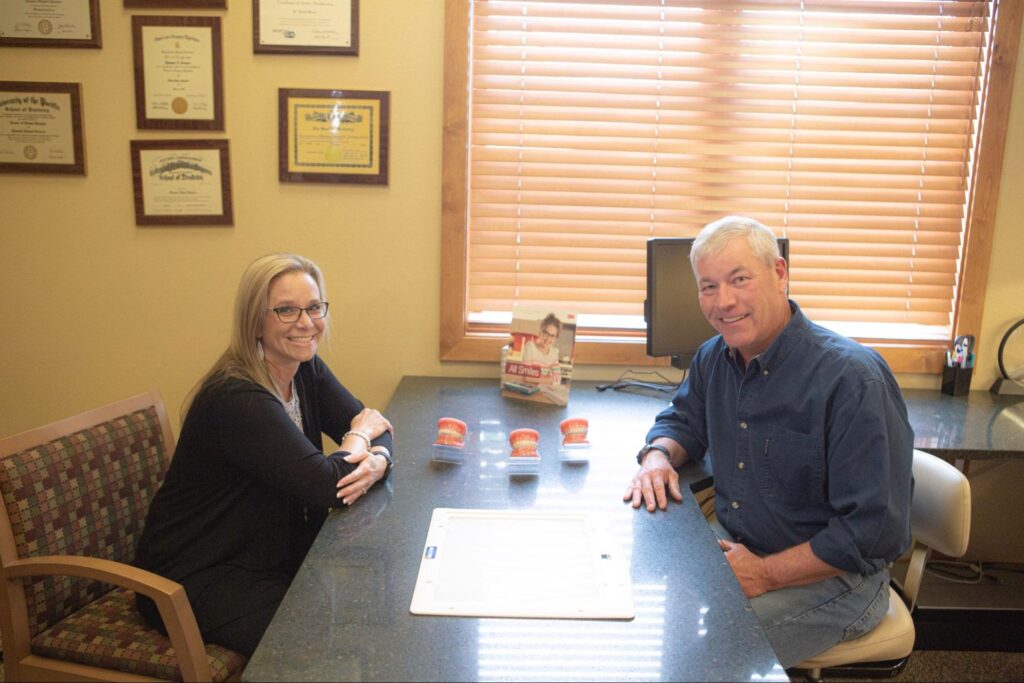
Family members are welcome right in the treatment area with you, so a parent can stand beside the chair and watch the scan happen. Plenty of practices don’t allow that. We think you should see the technology working on your own child’s teeth.
Digital Scans vs. Traditional Impressions: Side-by-Side Comparison
When people ask us about digital scans vs. traditional impressions, the honest answer is that both methods produce a usable record of your teeth and bite. They differ in comfort, chair time, retake risk, turnaround, and how long the record lasts.
| What matters to you | Digital scan | Traditional impression |
|---|---|---|
| Comfort | Wand glides over teeth, nothing sets in your mouth, easy to pause | Full tray of putty, common gag reflex trigger |
| Chair time | Roughly 5 to 10 minutes for both arches and bite | Roughly 10 to 20 minutes across multiple trays |
| Accuracy | A peer-reviewed comparison by Jánosi and colleagues evaluating full-arch intraoral scans against conventional impressions found digital records suitable for clinical use | Long-standing, reliable standard when technique is correct |
| Retakes | Rescan one small section | Redo the entire arch with fresh material |
| Turnaround to lab | File uploads instantly | Mold or model must be shipped |
| Record storage | Permanent digital file, reusable for retainers | Physical model that can chip, wear, or be lost |
| Your experience | Watch your 3D model build on screen | Hold still and wait for material to set |
| Cost to the practice | Higher equipment investment | Lower material cost per case |
Where Do Impressions Still Hold Up?
Traditional impressions aren’t outdated technology. They remain accurate, inexpensive, and perfectly appropriate for certain lab-made appliances, and some labs still prefer a physical model for specific fabrication steps. An experienced hand with an impression tray produces an excellent record.
Published comparisons, including the full-arch scan research from Jánosi and colleagues, tend to land in roughly the same place: both approaches can capture records accurate enough for orthodontic planning when the technique is sound. Once accuracy is a wash, the deciding factors become the things you actually feel and schedule around, namely comfort in the chair, how quickly the record reaches the lab, and whether that record is still usable a year or five years from now.
Why Do Impressions Sometimes Need a Second Try?
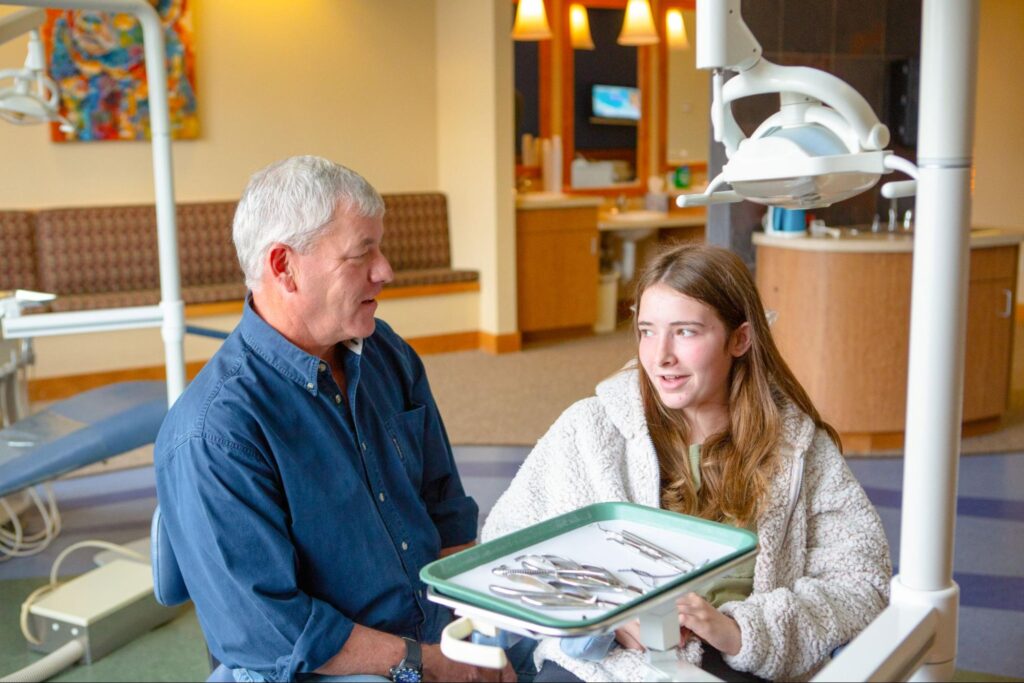
Physical materials can distort. If the tray shifts during set time, if the material is mixed slightly off, if it pulls away from a tooth surface during removal, or if the mold sits too long before pouring, the resulting model can be inaccurate enough to affect appliance fit. Those errors aren’t always obvious until the appliance arrives and doesn’t seat correctly. Then you’re back for another impression and another wait.
Digital scans avoid most of that. The software flags incomplete areas while you’re still in the chair, so problems get solved in the moment instead of three weeks later. That’s the practical case for high-tech care: fewer surprises, fewer return trips, and results that arrive on schedule.
Does a Digital Scan Cost More Than an Impression?
No. At Kovacs Orthodontics, records including your digital scan are bundled into your overall treatment fee rather than billed as a separate line item. You won’t pay extra for scanning technology instead of putty. Your free consult covers exactly what’s included before you commit to anything.
Several things do influence what full treatment costs:
| Cost factor | How it affects your total |
|---|---|
| Treatment type | Metal braces, clear braces, and clear aligners carry different fees |
| Case complexity | Longer treatment and additional appliances add cost |
| Number of records visits | Most cases need one set of records; some require progress scans |
| Retainers | Initial retainers are typically included; replacements are priced separately |
| Insurance coverage | Orthodontic benefits apply to total treatment, not individual records |
Digital records can actually lower what you spend over time. When your scan is stored, a replacement retainer can often be produced without bringing you back for a new appointment, which saves you a trip and saves the fee attached to redoing records. For families who drive a long way to every appointment, that convenience has real value.
We’re happy to offer flexible and affordable financing options to fit your family’s budget, and we’ll walk you through insurance benefits before treatment starts. No guessing, no surprise invoices. Ask every question you’ve got at your free exam.
Who Is a Good Candidate for a Digital Scan?
Almost everyone. Children in Phase 1 treatment, teens starting clear aligners, and adults getting braces for the first time all scan comfortably in a single short appointment.
Digital scanning works especially well for:
- Anyone with a strong gag reflex. Nothing sits in your mouth for minutes at a time, and you can pause whenever you want.
- Kids and nervous first-timers. The camera feels unremarkable, and most children are more interested in watching the screen than worrying about the wand.
- People who wear orthodontic appliances. Scans capture brackets, expanders, and existing restorations without the removal hassles putty can create.
- Every stage of care. Initial records, aligner planning, retainer fabrication, and progress checks all run off the same technology.
Which Situations May Need a Small Adjustment?
A few conditions call for extra technique rather than a different method. Heavy saliva flow means more drying pauses. Very limited mouth opening can restrict how the wand angles into back molars. Highly reflective restorations, such as certain metal crowns or polished gold, occasionally scatter light and require a second pass. Dr. Kovacs and the team work around these routinely, and in rare cases a physical impression is simply the better tool for a specific appliance.
How Should You Prepare?
Brush your teeth before the visit. That’s it. No numbing, no fasting, no special products. Plan on a short appointment, bring your questions, and expect to leave with a clear picture of what your treatment will involve.
We move teeth, but we serve people. That’s why the records visit at Kovacs Orthodontics looks the way it does: short, comfortable, and clear enough that you walk out understanding your own bite. Dr. Thomas Kovacs, DDS, MSD, PC is a member of the American Association of Orthodontists and the American Dental Association, and the same standard applies to every set of records we take, whether they belong to a seven-year-old’s first evaluation or an adult’s aligner setup. If you’d like to see your own teeth in 3D and talk through metal braces, clear braces, and clear aligners, that conversation happens at a free consult. Creating stunning smiles for your family starts with an honest, accurate picture of where your teeth sit today.
Frequently Asked Questions About Digital Scans and Impressions
Does a digital scan hurt?
Not at all. The wand doesn’t cut, drill, or press into your gums, and no numbing is needed. Most people describe it as a camera brushing lightly along their teeth. If you need a break to swallow or rest your jaw, just raise a hand and we’ll pause.
How long does a digital scan take?
Usually 5 to 10 minutes for both arches and your bite registration. First-time scans on a wiggly seven-year-old may run a little longer, and progress scans later in treatment often go faster. Either way, it’s one of the shortest appointments in orthodontics.
Are digital scans as accurate as traditional impressions?
Yes, based on the available research. A peer-reviewed comparison by Jánosi and colleagues examined full-arch intraoral scans alongside conventional impressions and found the digital records appropriate for clinical use. Scanning also removes a whole category of error that physical materials introduce, since distortion during set time, removal, and storage isn’t a factor with a digital file. Accuracy still depends on careful technique either way, which is one reason we review every scan on screen with you before you leave the chair.
Is there any radiation involved in a digital scan?
None. Intraoral scanners use visible light and optical imaging to build the 3D model, not X-rays. It’s the same category of technology as a video camera. X-rays are a separate part of your records and serve a different purpose, showing roots, developing teeth, and jaw structures.
Can I get a replacement retainer from a stored scan?
Often, yes. Because your digital file stays on record, we can frequently produce a replacement retainer without scheduling a new records appointment, as long as your teeth haven’t shifted significantly since the scan. Call us as soon as a retainer goes missing. The sooner we hear from you, the more likely your original file still fits.
Do you still use traditional impressions at Kovacs Orthodontics?
Occasionally, for specific lab-fabricated appliances or unusual situations where a physical model gives the lab what it needs. Digital scanning handles the large majority of records at both offices. If a putty impression is genuinely the right call for your case, Dr. Kovacs will explain why before we start.